 Menu Prices
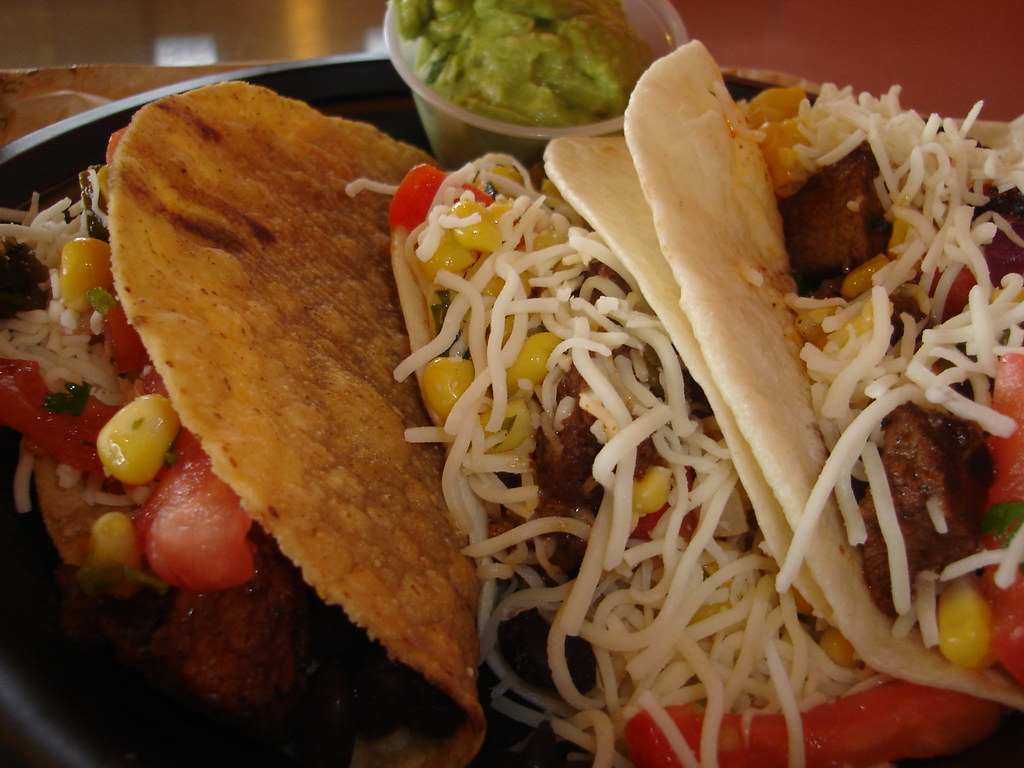
Historical QDOBA photograph from a free licensed collection. Not evidence of current menu availability, serving size or price.Qdoba Mexican Grill - 3150 South Westnedge Avenue. Photo: Kzoo Cowboy · Source · CC BY 2.0 · Display cropped to fit.
Check the price of your actual order
01
Choose a restaurant
Use the actual US address in QDOBA’s official ordering service.
02
Match the basket
Same protein, format, extras and pickup or delivery method.
03
Read the total
Check item subtotal, tax, fees and any offer separately.
| Order component | US price | Where to confirm |
|---|---|---|
| Bowl or burrito | Varies | Selected restaurant’s basket |
| Extra protein | Varies | Selected restaurant’s basket |
| Side queso / guacamole | Varies | Selected restaurant’s basket |
| Chips and drink | Varies | Selected restaurant’s basket |
What this guide covers
- A useful QDOBA price starts with a location
- Use the official ordering service first
- Keep pickup and delivery comparisons separate
- Formats and protein choices need their own checks
- Included toppings and extra portions are different
- Sides can change both price and meal size
- Rewards and offers are conditional prices
- How to judge value without invented averages
- What makes a price report useful
- Combine your price check with a nutrition review
- A local basket checklist you can actually use
- Pair a specific build with the local amount
- What to confirm for bowls, tacos and sides
A useful QDOBA price starts with a location
If you search for a QDOBA menu with prices, you may find an exact-looking amount beside every bowl, burrito and side. The important question is which restaurant and ordering method produced those amounts. A menu can be accurate for one place and still be wrong for your next order. Without a location, date and source, a tidy price table gives you less useful information than it appears to.
Well.now covers US restaurant information and prices in US dollars. Our QDOBA listing shows Varies when a local price has not been confirmed. That is intentional, not a missing guess. This guide explains how to find a price you can actually use, how to compare extras and ordering channels, and how to pair your local price check with the sourced nutrition entries in our QDOBA calculator. It does not claim a single national price for every order or a permanent offer available at every restaurant.
Use the official ordering service first
Start from QDOBA's official website or app and select the restaurant where you plan to order. Confirm the address, not only the city or neighborhood. Nearby locations can have different menus or ordering availability. Choose pickup or another available order method before comparing prices, and check the named protein and format. A bowl entry without its protein choice may not tell you the amount for the specific meal you want.
Build the order far enough to see the selected ingredients and any charges for extras. You can inspect the basket before paying. Record whether the amount is an item price, subtotal or final checkout total, since those are different figures. If a location cannot accept an online order, ask the restaurant for its current menu rather than importing a price from a different address. The official local ordering screen is a better starting point than a third-party list that does not identify its store.
Keep pickup and delivery comparisons separate
Pickup and delivery can present different item prices, offers and fees. Even when an item price is the same, a delivery total may include service charges, delivery charges or other checkout additions. Comparing a receipt total with a single menu-board price will therefore exaggerate or hide the difference. Identify the order method before deciding which option costs less for the same meal.
For a fair comparison, recreate the same format, protein, ingredients and sides in each channel. Compare the item subtotal first, then review the final amount with fees and tax. Include a tip if that is part of what you plan to pay, but do not present your chosen tip as a mandatory menu price. If an offer applies only in one service, state that condition. A delivery platform's price is evidence for that platform and restaurant at that moment, not proof of the chain's national counter price.
Formats and protein choices need their own checks
Bowls, burritos, tacos, salads and other formats should be compared as named orders where your local menu offers them. Do not assume that switching formats leaves the price unchanged. Protein selections may change the amount shown, and a seasonal choice may have different availability. Read the actual ordering screen rather than treating one base menu amount as the price of every possible combination.
The nutrition difference is a separate calculation. A burrito can include a tortilla that a bowl does not, while a salad may include a dressing. If you compare costs, keep those ingredient differences visible. A format that costs the same is not necessarily nutritionally identical. Conversely, a higher price does not guarantee more protein or a larger serving. Our calculator helps review sourced portions; the official location menu answers what the order costs where you will purchase it.
Included toppings and extra portions are different
An included topping and an extra serving are not automatically the same pricing decision. Check the local menu's wording for queso, guacamole, protein and any other additions you choose. A promotion or included topping on a particular entrée does not establish that a separate side cup or larger portion carries no charge. The selected options and basket should make the actual local charges clearer than a general slogan.
Look at the order once with standard portions and once with the extras you want. That shows the incremental cost without relying on an assumed national supplement. Count those extras in the nutrition calculation as well. Food still contributes calories and nutrients when included in the price. If the builder estimates an extra portion using a multiplier, keep that nutrition assumption separate from the verified local charge. The ordering system can confirm a price without establishing the exact scoop weight served at the counter.
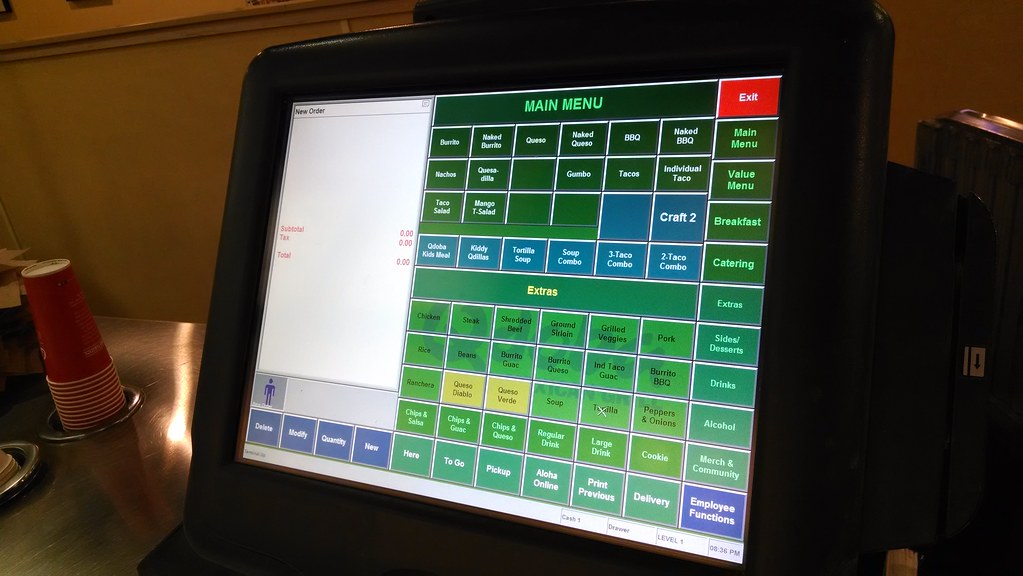
Historical QDOBA photograph from a free licensed collection. Not evidence of current menu availability, serving size or price.Qdoba Cash Register. Photo: Aranami · Source · CC BY 2.0 · Display cropped to fit.
Sides can change both price and meal size
Chips, dips, drinks and other sides can change the order total more than a small adjustment inside a bowl. Compare the entire basket if you are deciding between a main item and a larger meal. A chips-and-dip combination is not necessarily equivalent to an entrée topping, and a shared side should be evaluated according to what you and your companions actually plan to eat.
When nutrition information names a serving smaller than the package, do not treat that one serving as the full side. When price information names a bundle, do not assign the bundle amount to one component. Serving size and sale unit answer different questions. If your party splits a side, you may estimate the cost per person, but state how many people shared it. Our community reports are most useful when diners describe the purchased item and quantity instead of posting a total without explaining the order.
Rewards and offers are conditional prices
An app offer or reward can change what you pay, but its conditions matter. Check expiration, participating restaurants, eligible items and any purchase requirement. A member's discounted order is not a general price available to every diner. If you are comparing value, distinguish the ordinary local menu amount from a temporary offer and from rewards you earned through earlier purchases.
Avoid counting a reward as a permanent reduction in the menu price. It may depend on account eligibility or accumulated activity, and an offer shown today may not appear on your next visit. Likewise, a promotional image without readable terms is not enough to establish a current deal. Use the terms in the official app or ordering screen. If you share an experience, mention that a reward or promotion applied so other readers understand why their basket might not match your receipt.
How to judge value without invented averages
Value is a personal comparison between what you pay, what you receive and what you want from the meal. You might compare a standard bowl with extra protein, an entrée with a side, or pickup with delivery for the same order. The comparison is stronger when the portions and local prices are clear. A national average from a handful of unidentified receipts cannot answer which basket is best for you today.
If protein is your priority, use a source-supported nutrition total and the price of that exact local build. If affordability is the priority, compare final checkout amounts rather than selected item prices alone. If you are ordering for several people, check the portions and availability before assuming a catering option is equivalent to individual entrées. None of these methods requires a made-up price ranking. They require a specific basket, a clear source and a realistic description of what will be shared or eaten.
What makes a price report useful
A useful report names the restaurant address or identifiable location, the purchase date, order method, exact item or build, and whether the amount includes tax or fees. A receipt can support what was paid, while the official ordering menu can support a listed amount. Neither should be described as a nationwide price. Hide personal information, payment details and order identifiers before sharing any image publicly.
The Well.now community lets diners share experiences and price reports, but an individual report stays an individual report. A diner rating is not an imported Google rating, and a local price is not automatically a verified national entry. If your receipt contradicts a source-listed amount, check the date and order channel before assuming either is wrong. Promotions, extras and tax can explain a difference. Send corrections to be@well.now with enough context to identify the item and the claim that needs reviewing.

Historical QDOBA photograph. Not evidence of current US menu availability, portions or prices.Qdoba. Photo: ericrichardson · Source · CC BY 2.0 · Display cropped to fit.
Combine your price check with a nutrition review
Before ordering, build the meal in the QDOBA calculator using the ingredient names and portions closest to the order you selected. Review calories, protein, carbs, fat and sodium, including any sourced sides. Read the source date and any estimate notice. The calculator is not linked to QDOBA checkout, so it cannot confirm your restaurant's inventory or charge. Use the official local menu for those details and leave unsupported prices as Varies.
Then compare the finished order with your original plan. Did the basket add extra protein, a separate dip, a tortilla or a larger side? Did an offer change the price without changing the food? These final checks keep cost and nutrition from drifting apart. Visit our QDOBA menu page for sourced entries and the related bowl-calorie and high-protein guides for ingredient comparisons. A reliable answer to what your order costs comes from your chosen restaurant, on your chosen date, through your chosen ordering method, not from one universal number attached to the QDOBA name.
A local basket checklist you can actually use
Before comparing prices, record the restaurant address, date, order method, format, protein choice, rice and beans, toppings, extra portions, sides and drink size. Then note the item subtotal separately from tax, fees and tip. This turns a vague statement about an expensive bowl into a specific report another diner can interpret. If a reward or offer applies, record the eligibility or terms as well. Hide personal and payment information before publishing a receipt.
For a second basket, repeat those exact choices at the other location or in the other ordering channel. If one basket includes extra chicken and the other does not, the price difference does not isolate delivery pricing. If one includes chips and queso, the difference is not just the entrée. Small mismatches can make a supposedly helpful price comparison misleading. The checklist is useful precisely because it names the purchase rather than guessing a national amount.
Pair a specific build with the local amount
Our worked chicken bowl contains cilantro lime rice (4 oz), black beans (4 oz), adobo chicken (3.5 oz) and pico (1 oz), totaling 525 calories and 31 grams of protein from official standard portions. Its price is Varies until confirmed for a named restaurant. The same filling in a 12.5-inch flour tortilla totals 825 calories and 39 grams of protein, but we do not infer the price difference from the nutrition difference. Food composition and checkout pricing are different sources of information.
Likewise, an extra-chicken version models 715 calories and 50 grams of protein, labeled Estimate for the additional serving assumption. Check the local extra-protein charge separately. A menu amount cannot tell you the exact weight served, and a nutrient table cannot tell you the tax or delivery fee. Combining these two sources carefully lets you compare the order you want without inventing a per-dollar ranking based on an unsupported price.
What to confirm for bowls, tacos and sides
For a bowl or burrito, confirm the named protein, format and added portions. For tacos, confirm how many tacos are included and whether the menu entry is one taco or a set. For chips and dips, confirm whether the price is for chips alone, a dip alone or a combined order, and which size is supplied. For a drink, confirm bottle or cup size rather than assuming that every entry labeled regular is the same purchase.
Our sourced menu separates ingredient portions from complete Signature Eats. A 2-ounce queso nutrition entry is not a price quotation for a purchasable side cup at every restaurant. A tortilla row is a component, not a completed burrito menu price. This distinction prevents a long table of ingredients from becoming a false price list. Use the restaurant's ordering menu to establish the sale unit and amount before comparing it with nutrition servings.
See the full QDOBA menu
Prices, calories and macros for every item, or build a meal in the calculator.
Sources and corrections
Nutrition figures on Well.now come from official US restaurant sources, linked on each brand page with a last-checked date. Prices show only when confirmed at a named location. See our sources and methodology, or email be@well.now with a correction.
About the Well.now Editorial Team
This article was written and fact-checked by the Well.now Editorial Team. We check nutrition claims against each chain's official US information and never publish prices we cannot confirm. Well.now is independent and not paid by any restaurant. Read our editorial policy.