
 Menu Prices
Illustrative licensed food photograph, not an official QDOBA product or evidence of current US portions, availability or prices.burrito & cinnamon chip lunch. Photo: anotherlunch.com · Source · CC BY 2.0 · Display cropped to fit.
Your QDOBA order, with sources
Ingredient portions are not complete entrées. Standard-portion combinations are calculated totals; changed portions are estimates. US source published February 26, 2026, checked November 8, 2026. Prices remain Varies without a verified local amount.
Official nutrition brochureWhat this guide covers
- Keep menu prices and rewards separate
- Use the official account and current terms
- Compare local prices for the same actual order
- Read an offer as a set of conditions
- Identify the purchase before payment
- Compare ordering channels using the final total
- Separate a reward from an extra purchase
- Check eligibility before planning around promotions
- Keep receipts and review missing credit carefully
- Handle refunds and order problems as their own issues
- Treat catering rewards as a separate verification
- Do not confuse price information with nutrition data
- A repeatable routine for a better-value order
Use the official account and current terms
QDOBA’s official rewards page describes joining the program, identifying purchases, earning points, and redeeming available benefits. Use the official app or account experience to review what is currently associated with your membership. Check that you are signed into the intended account before placing an order, particularly on a shared device or after reinstalling the app. Current terms matter because promotions, eligibility, expiration, and qualifying purchase rules can change. A screenshot from a past campaign is not evidence that the same offer remains available. If a benefit appears in an email but not in your account, review its conditions and contact official support when needed. Avoid creating a budget around an offer until you can confirm that it applies to your purchase.
Compare local prices for the same actual order
The supporting nutrition dataset has no verified prices, so it cannot tell you what a bowl, burrito, side, or drink costs at your restaurant. Use the local ordering screen or ask the location directly. To compare value, hold the order constant: the same entrée format, protein, additions, side, and beverage. A basic menu listing may not include ingredients you normally add. Likewise, an advertised starting price may not describe a premium-protein version or a larger order. Record the complete subtotal before considering rewards. This makes it easier to see whether a promotion genuinely reduces your usual cost or merely encourages a different purchase. A useful price comparison reflects what you would actually eat, not the cheapest theoretical combination available somewhere else.
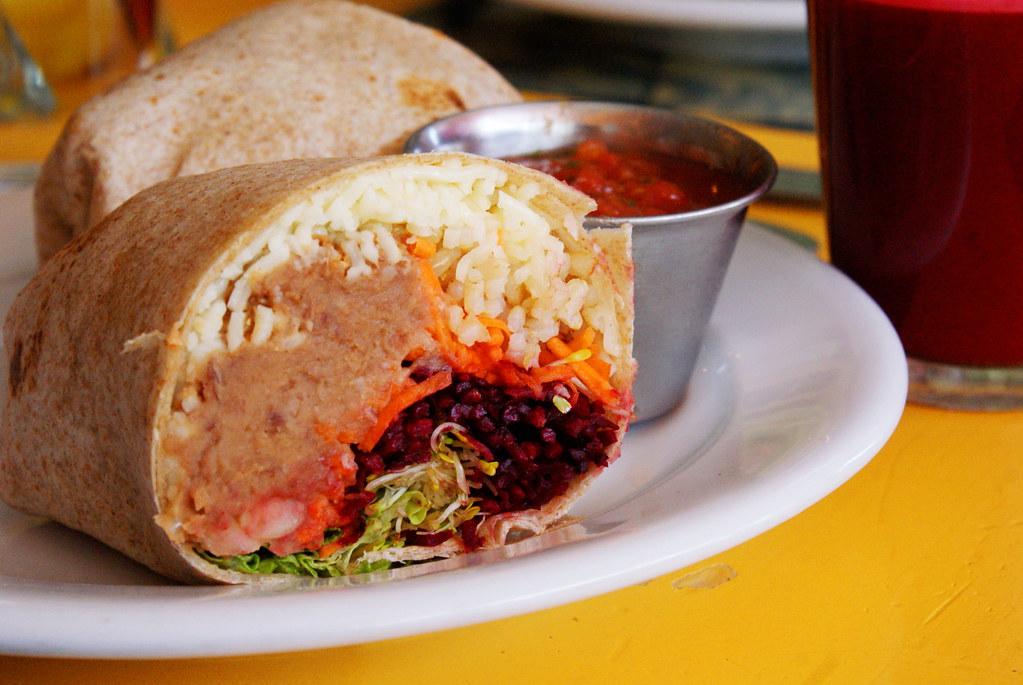
Illustrative licensed food photograph, not an official QDOBA product or evidence of current US portions, availability or prices.burrito madness. Photo: rvanarsdale · Source · CC BY 2.0 · Display cropped to fit.
Read an offer as a set of conditions
When a reward appears, review what it covers, when it expires, where it can be used, and whether a qualifying purchase is required. Check for limits involving item type, size, add-ons, ordering channel, participating locations, or the number of uses. Do not assume a benefit described as an entrée includes every upgrade or extra. The exact terms determine the eligible amount. If the offer requires activation or selection, complete that step before paying and confirm the adjustment appears. When wording is unclear, ask before the transaction rather than expecting a retroactive correction. The practical question is not merely whether you have a reward. It is whether the particular basket in front of you meets that reward’s current conditions and whether the checkout reflects the intended benefit.
Identify the purchase before payment
The official rewards page describes ordering while signed in, scanning a rewards barcode, or providing a phone number as ways to connect a purchase with membership. Use the method supported by the location and confirm that the correct account is associated before completing payment. A stored payment card alone should not be assumed to identify the rewards account unless the current program explicitly says so. If ordering for a group, keep track of which purchase belongs to which account and avoid assuming points can later be divided or transferred. For a busy counter transaction, have the app ready before reaching the register. This small preparation step can prevent a larger support task later, especially when the receipt is lost or the order was placed through a different channel.
Compare ordering channels using the final total
Pickup, direct delivery, and third-party ordering can produce different totals or reward eligibility. Do not assume a benefit shown in QDOBA’s app will apply in another service, or that the same item name guarantees an identical delivered price. Build the same basket in the channels you are considering and review the final amount, including applicable fees and tax. Check whether the account is linked and whether the offer appears before submitting payment. Convenience may justify a higher total for your situation, but that is a separate decision from receiving a reward. If a channel does not make eligibility clear, consult its terms or official support. A transparent comparison is more useful than treating points as compensation for charges you have not actually examined.
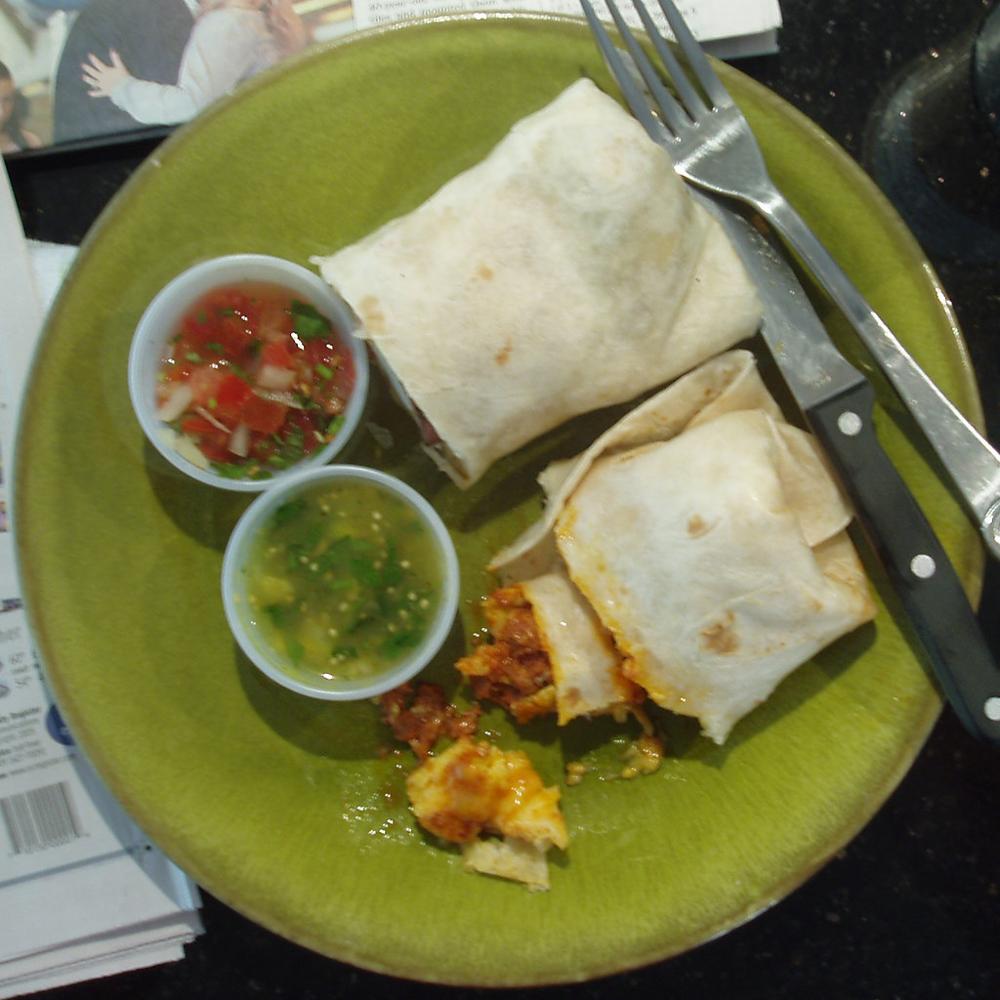
Illustrative licensed food photograph, not an official QDOBA product or evidence of current US portions, availability or prices.breakfast burrito squared circle. Photo: emdot · Source · CC BY 2.0 · Display cropped to fit.
Separate a reward from an extra purchase
A promotion can feel valuable while increasing the amount you spend. Suppose an offer applies only after adding an item you did not intend to buy. The relevant comparison is the total of your original order against the total of the qualifying order after the benefit, not the headline value alone. Also consider whether the extra food will be used. This does not mean add-on offers are always poor value; they can make sense when the items already fit your plan. The point is to evaluate the changed basket honestly. Avoid assigning a reward its maximum possible value if you would never have purchased that item at full price. Personal value depends on your real alternative, your preferences, and the confirmed out-of-pocket total.
Check eligibility before planning around promotions
Rewards pages may feature enrollment campaigns, bonus earning periods, birthday-related benefits, or status-based perks. Treat each as a current offer to investigate, not a permanent feature promised by this guide. Availability may depend on account status, timing, participation, or other terms. If a promotion matters to your decision, confirm that it is active for your account and that the selected restaurant and order qualify. Do not make an unnecessary purchase solely because you expect a future benefit that has not been confirmed. For a household, remember that one person’s account display does not establish what another person will receive. The safest budgeting approach is simple: count only the benefit that is currently visible, eligible, and successfully applied, and treat any later reward as a separate development.
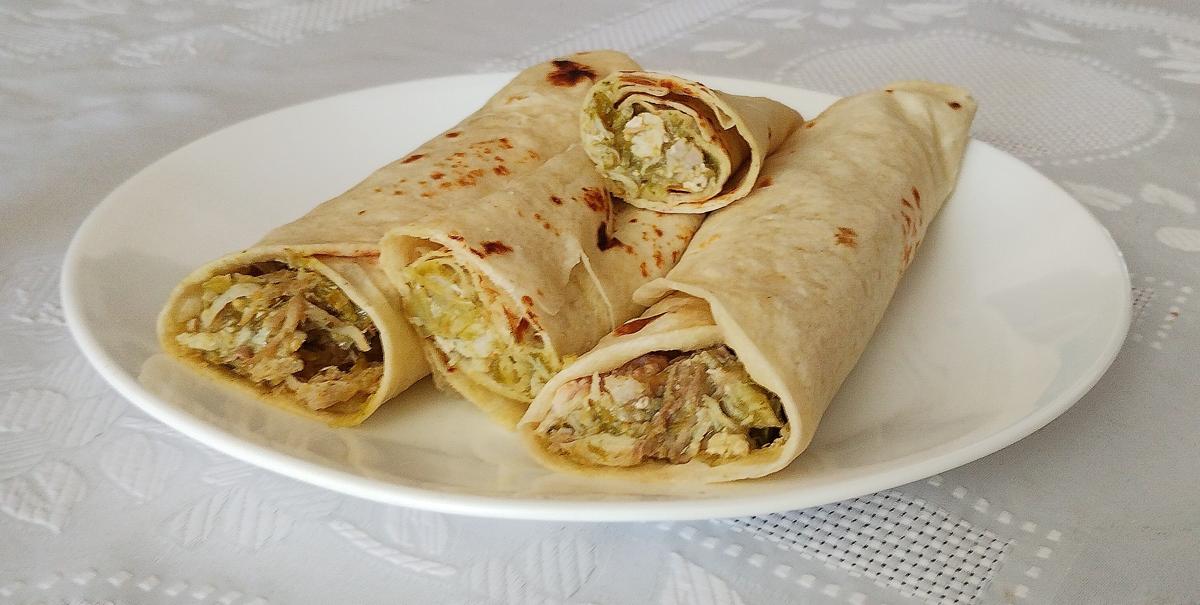
Illustrative licensed food photograph, not an official restaurant product or evidence of serving size, availability or prices.Burrito chihuahuense de chile verde.jpg. Photo: Levi bernardo · Source · CC BY-SA 4.0 · Display cropped to fit.
Keep receipts and review missing credit carefully
QDOBA’s rewards page describes a process for claiming points from an eligible receipt when a purchase was not identified at checkout. Review the current instructions and any submission limits rather than assuming every receipt can be added indefinitely. Keep the receipt until the transaction and any expected credit are resolved. If credit appears missing, check whether you used the correct account, whether the purchase channel qualifies, and whether processing is still pending under the current terms. Avoid submitting duplicate claims without understanding the status. When contacting support, provide the information requested through official channels and do not post receipt details publicly. A receipt is useful evidence of the purchase, but it does not override program rules or guarantee that an otherwise ineligible transaction will earn rewards.
Handle refunds and order problems as their own issues
If an order is incorrect or canceled, resolve the food or payment issue directly with the appropriate restaurant or ordering service. Then review how the transaction appears in your rewards account. A refund, adjustment, or replacement may affect associated points or redeemed benefits according to current terms. Do not assume a reward will be restored immediately or that points should remain after a reversed purchase. Keep the order confirmation and support correspondence until both the payment and rewards questions are settled. It helps to describe the problem precisely: an incorrect item, an unreceived order, a missing discount, and missing points are different issues. Clear records make it easier for support to identify what happened without relying on a broad statement that the app charged the wrong amount.
Treat catering rewards as a separate verification
QDOBA’s catering FAQs describe a catering rewards program, while the general rewards page also discusses receipt-related support for catering guests. That does not justify assuming every consumer promotion, receipt workflow, or benefit applies identically to a catering order. Before paying for an event, ask how the order should be associated with the appropriate account and what documentation is needed. Confirm current earning and redemption rules directly, especially if the order is being purchased for an organization. Do not subtract an expected future catering benefit from the amount the event must be able to pay today. Keep the catering quote, paid receipt, and account details organized. The food and service should be evaluated on their confirmed total, with any verified rewards treated as an additional program benefit.
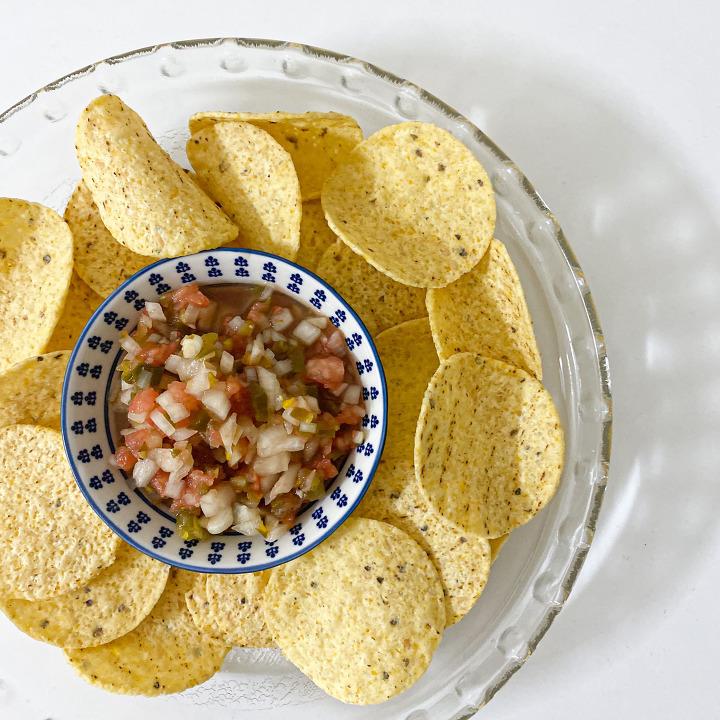
Illustrative licensed food photograph, not an official restaurant product or evidence of serving size, availability or prices.Homemade salsa with nachos 1.jpg. Photo: 에그란 · Source · CC BY 4.0 · Display cropped to fit.
Do not confuse price information with nutrition data
The dataset supporting these guides comes from QDOBA’s US nutrition brochure dated February 26, 2026, checked November 8, 2026. Its price fields are unavailable, so a nutrition entry cannot establish the local charge for an ingredient or signature meal. A higher-calorie item is not necessarily more expensive, and a smaller portion is not necessarily a better financial value. Likewise, an ingredient included in one format may have a different pricing treatment in another local order. Use the dataset for its stated nutrition purpose and the local checkout for price. When comparing two meals, decide whether you are optimizing cost, preferred ingredients, portion, or nutrition. Those goals can overlap, but treating them as interchangeable can lead to an order that is inexpensive yet poorly suited to what you wanted.
A repeatable routine for a better-value order
Choose the restaurant, sign into the intended account, and build the meal you actually want. Review the ordinary price before adding a reward, then read the benefit’s current conditions and apply it if eligible. Check customizations, sides, beverages, fees, tax, and the final payable amount. At the counter, identify the rewards account before payment; online, verify the account and selected location before submitting. Save the receipt and confirm that any expected credit or redemption appears according to current terms. If something is wrong, use official support with the transaction details. This routine does not depend on a fixed points threshold or a guaranteed promotion. It works because it keeps three things distinct: the meal’s local price, the offer’s actual rules, and the amount you ultimately pay.
See the full QDOBA menu
Prices, calories and macros for every item, or build a meal in the calculator.
Sources and corrections
Nutrition figures on Well.now come from official US restaurant sources, linked on each brand page with a last-checked date. Prices use verified local amounts first, then clearly labeled sourced estimates; Varies appears when neither is available. See our sources and methodology, or email be@well.now with a correction.
About the Well.now Editorial Team
This article was written and fact-checked by the Well.now Editorial Team. We check nutrition claims against each chain's official US information and never publish prices we cannot confirm. Well.now is independent and not paid by any restaurant. Read our editorial policy.