
 Nutrition
Illustrative licensed food photograph, not an official Golden Corral product or evidence of US portions, current availability or prices.Fresh Salad Vegetables And Corn. Photo: Unknown creator · Source · CC CC0 1.0 · Display cropped to fit.
Golden Corral sources and plate planning
Official US nutrition database checked 2026-11-15. No separate nutrition effective date confirmed. These are published recipe servings, not weighed buffet portions or guaranteed local offerings. Plate totals are calculated estimates. Blank allergen records do not mean allergen-free. Unconfirmed admission prices remain Varies.
Golden Corral official nutrition database ↗What this guide covers
- Start with the meal you actually intend to eat
- Know what the source information represents
- Concrete source servings to compare
- Search for the complete dish name
- Check the serving before changing the quantity
- Keep published figures separate from calculated totals
- Build the first plate before planning seconds
- Compare swaps without changing the whole meal
- Add toppings only when they are truly separate
- Include what is in the glass
- Use a second entry for a second trip
- Review nutrients according to your purpose
- Handle missing or conflicting entries honestly
- Separate nutrition planning from availability and price
- Finish with a useful estimate, not false precision
- The actual eight-stage workflow
Start with the meal you actually intend to eat
A Golden Corral nutrition calculator works best as a planning tool, not a prediction of what every buffet visit will contain. Begin with a recognizable meal: an entrée, the sides you expect to choose, a drink, and any extras you genuinely want. Entering an idealized plate and then eating a different one produces a precise-looking answer to the wrong question. The useful goal is a reasonable estimate that helps you compare decisions before serving yourself. Open the Golden Corral nutrition calculator, build your likely first plate, and leave room to update it after you see what your restaurant is serving.
Know what the source information represents
Golden Corral publishes dish-level information with serving descriptions, gram weights, calories, and other nutrients on its official nutrition page. Those posted figures describe the published serving, not every scoop or slice taken from the buffet. This guide uses the supplied dataset edition labeled checked November 15, 2026; no separate nutrition-data effective date is confirmed. That distinction matters because a dataset check label is not a restaurant promise that every recipe or offering remains unchanged. Treat the published values as source information, while treating totals for your customized, self-served meal as calculated estimates whose accuracy depends heavily on matching the food and amount.
Concrete source servings to compare
The source lists Bourbon Street Chicken (3 oz) at 170 calories, 19 grams protein, 4 grams carbohydrate, 9 grams fat and 350 milligrams sodium, with a stated weight of 85g. The source lists Baked Potatoes (1 each) at 160 calories, 4 grams protein, 37 grams carbohydrate, 0 grams fat and 15 milligrams sodium, with a stated weight of 173g. The source lists Broccoli, Steamed (1/2 cup) at 25 calories, 2 grams protein, 6 grams carbohydrate, 0 grams fat and 85 milligrams sodium, with a stated weight of 78g. These are exact published reference servings, not measurements of the food on your buffet plate. Keep the different weights visible rather than ranking unequal amounts as though they were identical. Select the matching entries in the calculator to compare the whole meal, including any separately added toppings. The resulting plate total remains a calculated estimate because self-served quantities can differ from the source. Current local availability must also be confirmed separately; a database listing is not a promise that the dish is on today’s buffet.
Search for the complete dish name
Search narrowly enough to distinguish preparation methods. Typing chicken, steak, or fish may reveal several entries that describe substantially different foods. A breaded entrée is not interchangeable with a grilled version, and a meat dish served with sauce may not match a plain-looking slice from another station. Read the complete result before selecting it. Words describing coatings, glazes, stuffing, gravy, or accompanying vegetables can change which entry belongs in your calculation. If the buffet label is unclear, ask staff what the item is called rather than selecting the first familiar result. For a category-specific example of this process, see the chicken nutrition guide.

Illustrative licensed food photograph, not an official Golden Corral product or evidence of US portions, current availability or prices.Occhio del Bue - Bulls Eye Italian Breakfast - eggs and pancetta - Cafe Moretti AUD10. Photo: avlxyz · Source · CC BY-SA 2.0 · Display cropped to fit.
Check the serving before changing the quantity
The quantity field only becomes meaningful after you understand its unit. One serving might mean a specified weight, one piece, a volume measure, or a complete prepared item. Two item quantities mean twice the listed reference serving, not necessarily two pieces. Item quantities use whole numbers; the plate builder separately offers Light at 0.5 times, Regular at 1 time, and Extra at 2 times the published serving. Read the serving description alongside the gram weight when both appear. Use whole-number quantities for repeated items or the builder’s available portion settings. The calculator does not accept custom measured gram or ounce inputs. The portion-size guide explains why count-based foods, mixed dishes, and loosely piled sides require different kinds of judgment at a self-service buffet.
Keep published figures separate from calculated totals
There are two layers to every calculator result. The first is the restaurant's published nutrient value for a stated serving. The second is the arithmetic used to scale that serving and combine it with other foods. The arithmetic can be correct even when the portion estimate is imperfect. For example, multiplying a listed serving by your chosen quantity does not establish that you actually served that amount. Describe the result as an estimated plate total, not a measured intake. This wording is especially important when comparing meals that differ only slightly, because a small difference on screen may be smaller than the uncertainty in the portions themselves.
Build the first plate before planning seconds
Create a first-plate estimate that you would comfortably eat without an automatic return trip. Include the entrée, the sides occupying meaningful space, and any dressing or sauce that is separate from the dish. This gives you a clear starting point and prevents the calculator from becoming a collection of everything that looks appealing. Once that plate is entered, consider what would make it more satisfying rather than simply larger. You might prefer a different side, a smaller amount of a richer item, or more of a favorite entrée. The lower-calorie plate guide develops this approach without requiring every food to be the lowest-calorie option.

Illustrative licensed food photograph, not an official Golden Corral product or evidence of US portions, current availability or prices.Breakfast, Eggs Benedict with hash brown potatoes, wedges of watermelon and apple, square plate, cup of coffee and cream, maple table top, West Olympia, Washington, USA. Photo: Wonderlane · Source · CC BY 2.0 · Display cropped to fit.
Compare swaps without changing the whole meal
A useful comparison changes one decision at a time. Keep your entrée and drink constant while comparing sides, or keep the sides constant while comparing two preparations of the same protein. If you replace everything simultaneously, you may see a different total without learning which choice mattered. Write down or take a screenshot of the original combination before making changes; the calculator does not save orders. Also compare more than calories when another nutrient matters to you. A change that lowers one value may raise another, and the right choice depends on your priorities. The calculator should make those tradeoffs visible rather than present a single meal as universally best.
Add toppings only when they are truly separate
Dressings, gravies, butter, cheese, and other finishing ingredients are easy to overlook, but they are also easy to count twice. First determine whether the selected dish already includes its named sauce or topping. An entry describing a complete sauced preparation should not automatically receive a second sauce entry merely because you can see sauce on the food. Conversely, a separate ladle added at the buffet may need its own entry. When the source description does not resolve the question, preserve that uncertainty instead of inventing a recipe breakdown. Choose a closer match when possible, and record a simple note if the estimate depends on an assumption.
Include what is in the glass
A plate calculator can understate a meal when the drink is treated as background. Enter the beverage you actually choose, including additions that change it, and consider refills rather than counting only the first glass. Water is a straightforward option when you want the food comparison to remain the main variable, but choosing another beverage is still a decision the estimate can accommodate. Do not assign a published value to an unknown cup size or an uncertain drink mixture. If the restaurant's exact beverage entry is unavailable, recognize the gap rather than substituting an unrelated food value. The same principle applies to sweeteners, creamers, and dessert-style beverages.
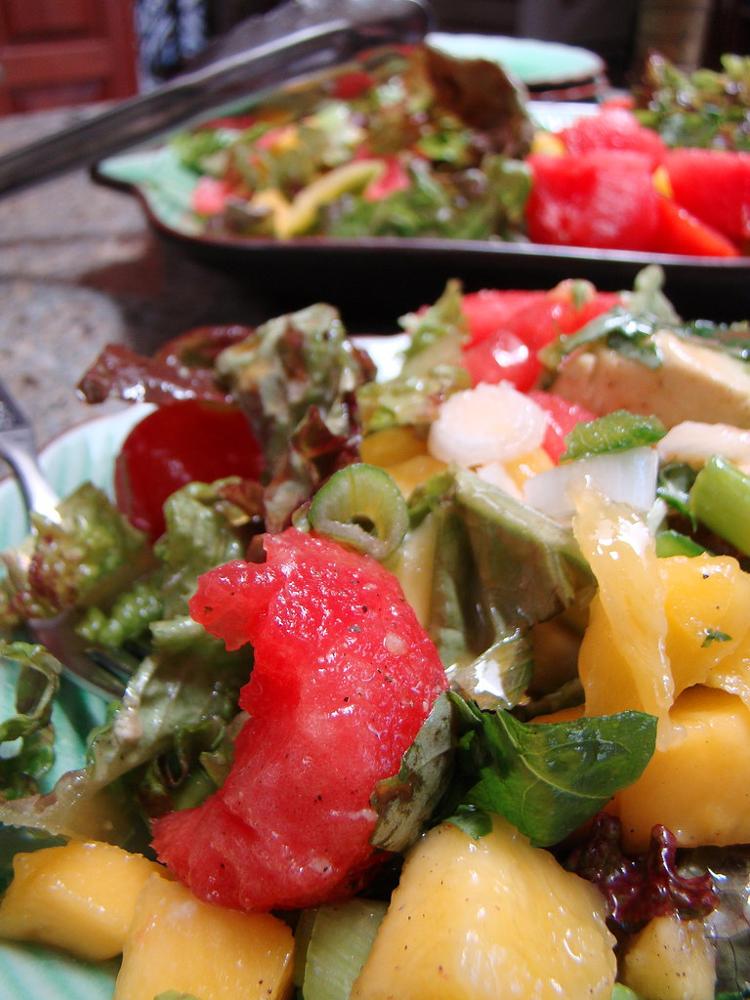
Illustrative licensed food photo, not an official Golden Corral product, portion or price.Watermelon Mango Salad. Photo: Vegan Feast Catering · Source · CC BY 2.0 · Display cropped to fit.
Use a second entry for a second trip
Returning to the buffet does not reset the meal total. Add the foods from a second trip to the existing calculation, even if the new plate looks smaller or contains only a little of several dishes. For another identical listed serving, increase the item quantity. If the second helping differs, use an available builder portion setting where appropriate and note any remaining uncertainty outside the calculator. Before going back, decide whether you want more food overall or specifically want another taste of a favorite. Those are different choices, and a small, deliberate return can be easier to estimate than another mixed plate. You can also pause before deciding; a calculator is a planning aid, not a requirement to fill every remaining allowance.
Review nutrients according to your purpose
The same plate can answer different questions depending on which columns you read. Someone comparing protein-focused meals may start with protein and then examine calories and sodium. Someone managing a personally established sodium target may prioritize sodium across the entire meal rather than the entrée alone. For carbohydrate comparisons, inspect the exact dish and amount instead of assuming that every meat-based item is similar. Use the high-protein foods guide, sodium guide, and lower-carb options guide for those decisions. None of these approaches requires declaring a food good or bad; they simply organize the information around the question you are trying to answer.
Handle missing or conflicting entries honestly
Sometimes a buffet item will not have an obvious match, or similar names will appear with different serving descriptions. Do not average those entries, silently combine them, or assume the newest-looking name is correct. Compare the full wording and serving information, then ask for clarification if the difference matters. If you still cannot identify the preparation, leave the meal marked as incomplete or use a clearly labeled approximation rather than a false exact match. The official dataset can also contain values that deserve clarification. Preserve published information as published, but avoid building strong conclusions from an entry whose units or description appear inconsistent with the food you are choosing.
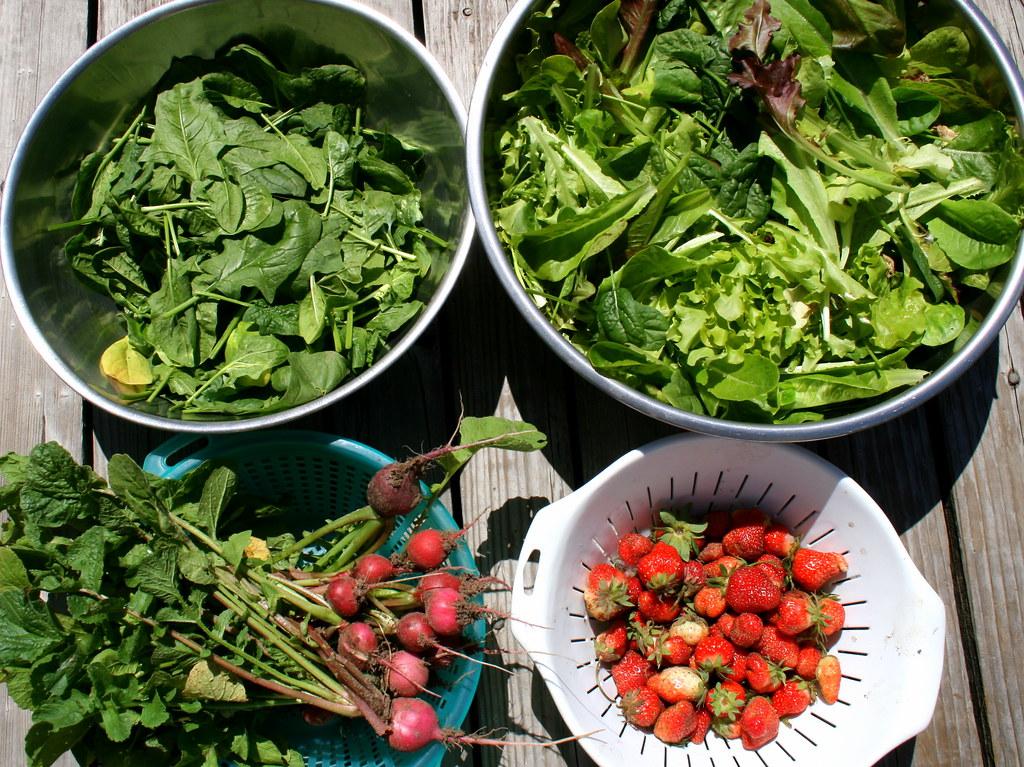
Illustrative licensed food photo, not an official Golden Corral product, portion or price.May Crops. Photo: OakleyOriginals · Source · CC BY 2.0 · Display cropped to fit.
Separate nutrition planning from availability and price
A dish appearing in nutrition information is not a guarantee that it will be on your local buffet during your visit. Consult the official website and your restaurant for current offerings, then revise your current plate estimate if needed. Keep pricing research separate: the Golden Corral menu and prices guide is the relevant companion when cost is part of your planning. The nutrition calculator also cannot establish allergy safety. Golden Corral describes shared preparation and self-service concerns in its allergen statement, and cross-contact cannot be guaranteed absent. Ingredient questions belong with restaurant staff, not with a nutrient total.
Finish with a useful estimate, not false precision
Before relying on the result, make one final pass through the dish names, serving units, quantities, extras, drinks, and return trips. Ask whether the plate on screen resembles the meal you expect to eat. If several portions are uncertain, focus on the direction of a comparison rather than a tiny numerical advantage. A clearly smaller serving of the same dish is easier to interpret than a complicated swap built from uncertain matches. Keep the estimate flexible enough to update at the restaurant, and use the calories guide when you want a broader framework. Successful tracking is a coherent record of your choices, not a claim that an unweighed buffet plate was measured precisely.
The actual eight-stage workflow
The plate builder has eight steps: proteins, sides, vegetables and salad, bread, breakfast, dessert and fruit, toppings, and drinks. Light uses half the published reference serving, Regular uses the full serving, and Extra uses twice the serving. Item quantities elsewhere use whole numbers. There are no custom measured-weight inputs or saved orders. All Golden Corral plate totals remain estimates, including totals built entirely from Regular portions. Review the selections, press Calculate for full results, and return to review if you want to change the meal.
See the full Golden Corral menu
Prices, calories and macros for every item, or build a meal in the calculator.
Sources and corrections
Nutrition figures on Well.now come from official US restaurant sources, linked on each brand page with a last-checked date. Prices use verified local amounts first, then clearly labeled sourced estimates; Varies appears when neither is available. See our sources and methodology, or email be@well.now with a correction.

About the Well.now Editorial Team
This article was written and fact-checked by the Well.now Editorial Team. We check nutrition claims against each chain's official US information and never publish prices we cannot confirm. Well.now is independent and not paid by any restaurant. Read our editorial policy.